Keeping your Cionic Neural Sleeve firmware up to date helps ensure your device continues to perform as expected and gives you access to the latest improvements and functionality.
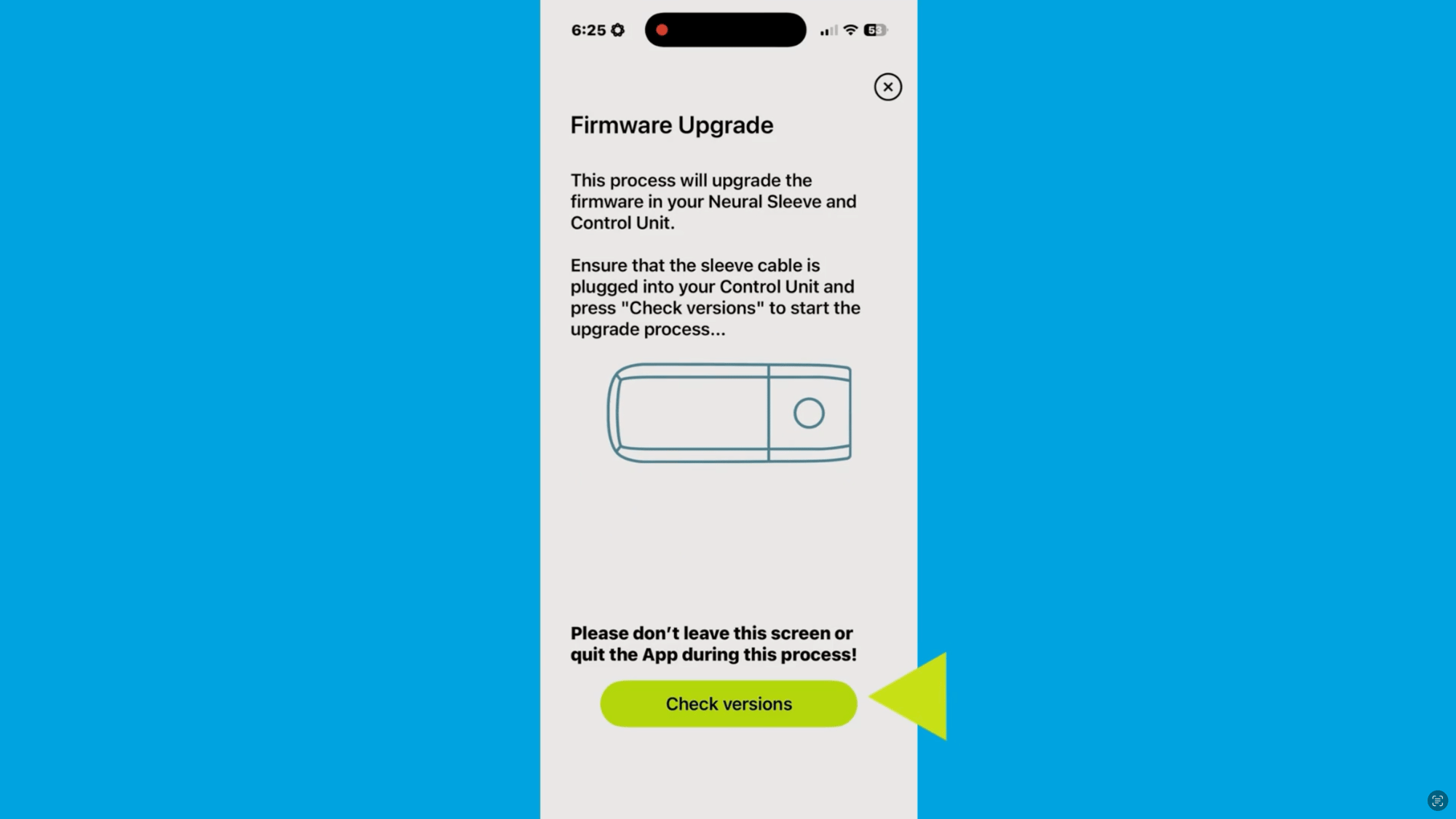
Watch the video below for a step-by-step guide to completing a firmware update in the Cionic app, including how to prepare, how to start the upgrade, and what to do if you run into an issue.
Still have questions? Contact our support team.